Graded findings
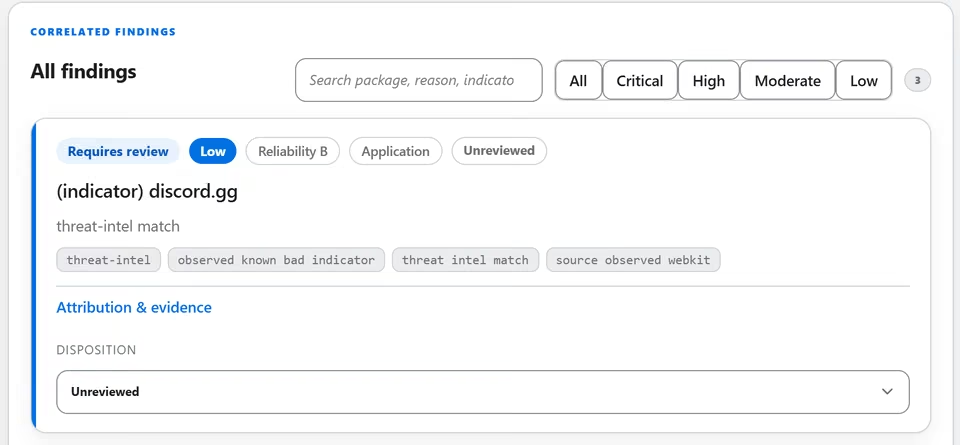
Graded red, amber or green, with the reason and a clear way to read it.
 SectraTEKby Prudential Associates
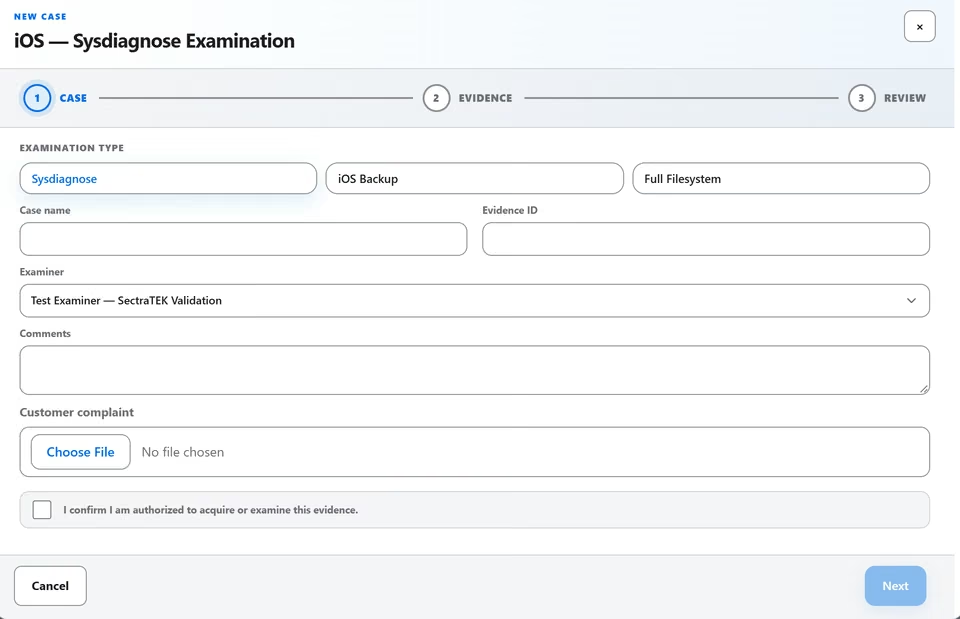
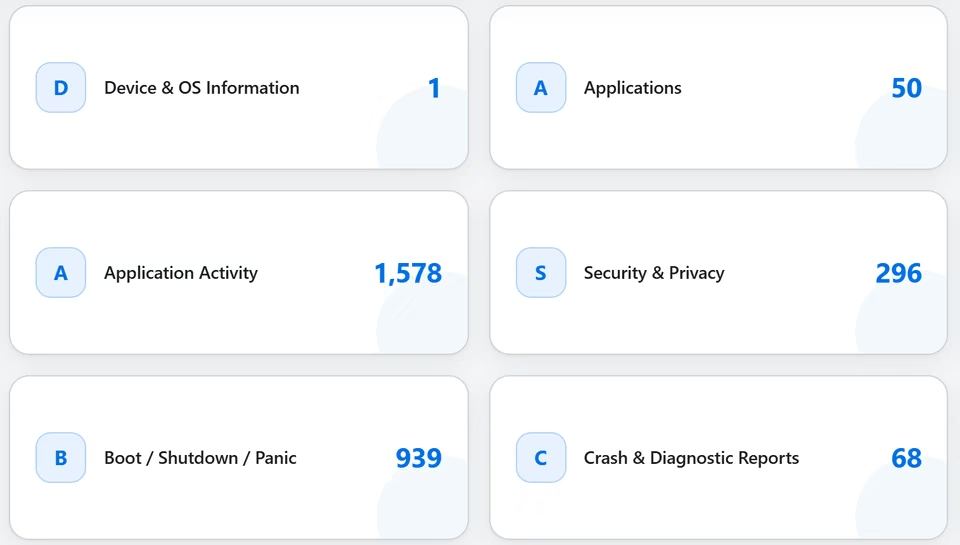
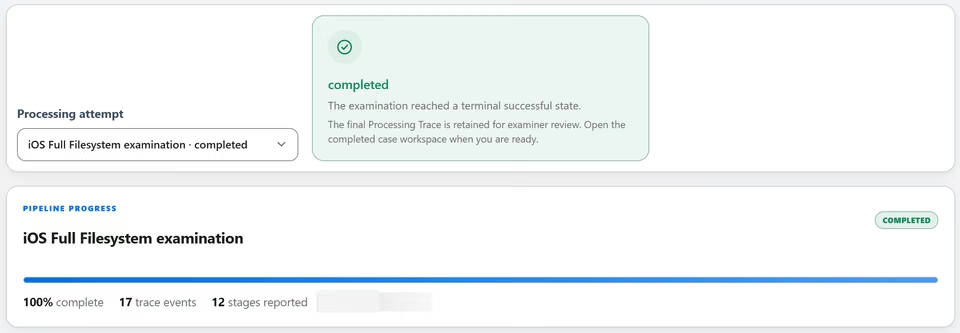
One sample case, from intake to report. Every identifier here is made up, so you can explore freely. Use the arrow keys to move between steps. Everything you do stays in your browser.
Graded red, amber or green, with the reason and a clear way to read it.
The examiner confirms or rejects each finding. A decision applies to the result it was made on; if the result changes the decision is shown as superseded.
Insight leads are starting points for corroboration, never verdicts. Leads are ranked so the strongest come first; the examiner decides.
The application audit ledger records who did what and when, and verification shows a changed record.
Up Down move between steps. In Findings, Up Down choose a finding.
Evidence share (read only). SectraTEK reads it where it is and does not copy it.
| File | Size | SHA-256 |
|---|---|---|
| SAMPLE-0001-filesystem.zip | 17568.7 MB | 4712f23ba9ea81e909ac9af1f54e64ddbc6c0ff2fdef78b31d05b87aead44896 |
| SAMPLE-0001-extraction-report.pdf | 2.1 MB | 7a7492b305f66f9700f7ae54cdac1a51f68b0dadec5871d1acc7f6dd81d8f551 |
| SAMPLE-0001-traffic.pcap | 297.5 MB | dafd84954538055976b617552a1c7cc568299687874a27806ae3618c97290109 |
Loading the sample case
The sample case is synthetic and is the same every time you open it.
A demo covers your evidence types and your reporting needs.